Is Your Phone Storage Disappearing Quickly? 12 Apps That Might Be the Reason
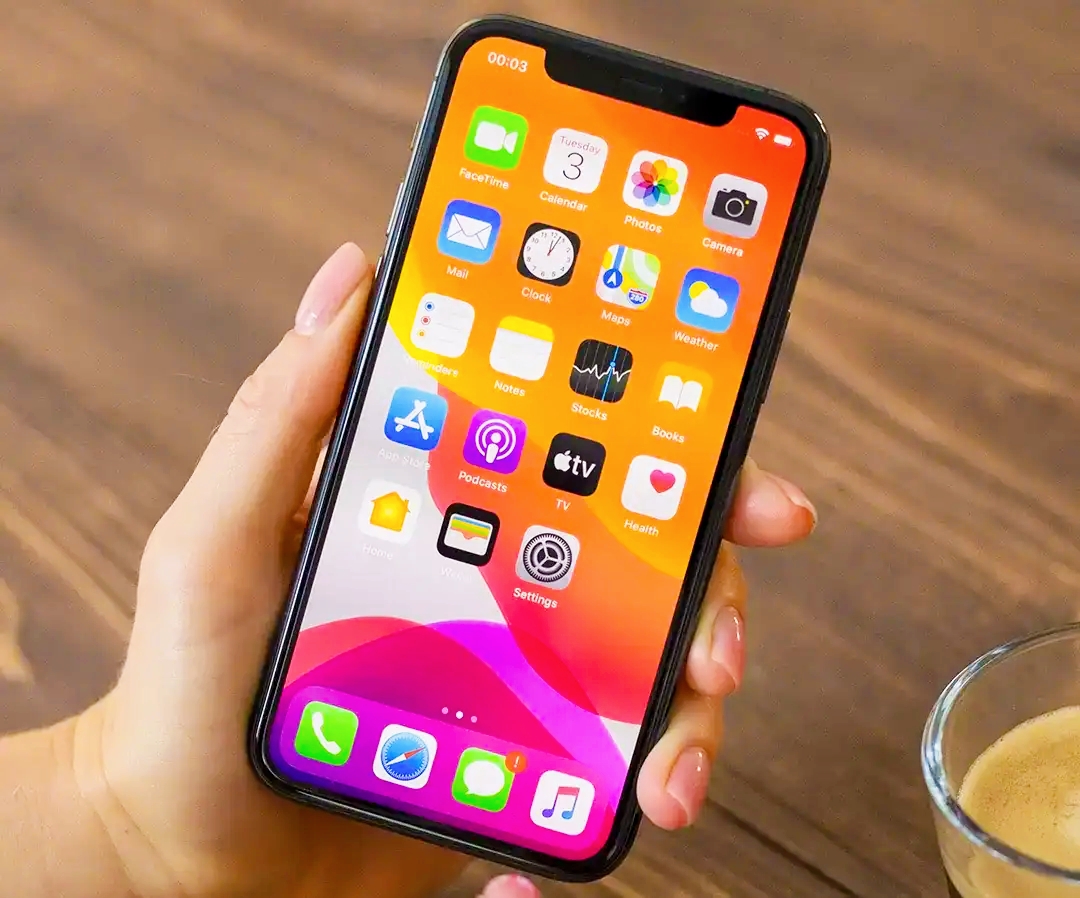
Phone Storage Filling Up Despite Large Capacities
Many users suffer from their phone storage filling up quickly, despite significant advancements in storage capacities in modern devices like the iPhone 17, which starts at 256 GB.
Tech reports indicate that the problem is not only related to photos or videos but also to apps that silently and cumulatively store data over time, leading to significant consumption of device space.
Study Reveals the Most Space-Consuming Apps
A tech study, reported by slashgear, revealed that there are 12 types of apps that consume phone storage unnoticed, due to local file storage, downloads, and cache data.
These apps range from messaging and streaming to maps and cloud storage, among others.
Messaging Apps and Media Consumption
Apps like WhatsApp, Telegram, and Messenger store large amounts of images, videos, and documents, gradually filling up memory.
Solution: Access storage settings within the app, delete large files, or enable the automatic deletion feature for messages and media.
Streaming Apps and Content Downloads
Platforms like Netflix and HBO Max retain content downloaded for offline viewing, consuming a large amount of space.
Solution: Delete old downloads, disable automatic downloads, or reduce the quality of downloaded videos.
Mapping Apps and Offline Data
Apps like Google Maps store maps for offline use, increasing space consumption.
Solution: Delete old maps or enable the option to automatically delete them when not in use.
Photo Apps and Media Storage
Photo apps are among the largest space consumers, especially when retaining files locally.
Solution: Use cloud storage services like Google Photos or iCloud while reducing local storage of copies.
Cloud Storage Apps and Local Files
Apps like Google Drive and OneDrive may retain offline files on the device without the user's awareness.
Solution: Review locally saved files and delete unnecessary ones.
Music Apps and Downloads
Apps like Spotify and Apple Music consume significant space when downloading songs for offline listening.
Solution: Delete downloaded audio files or reduce download quality.
Podcast Apps and Automatic Downloads
Podcast apps automatically download episodes, leading to accumulation.
Solution: Delete old episodes and disable the automatic download feature.
YouTube App and Video Downloads
The download feature in YouTube can consume a large amount of phone space over time.
Solution: Delete unnecessary videos or reduce download quality.
Browsers and Cache Data
Browsers like Chrome and Safari store browsing data and temporary files that accumulate gradually.
Solution: Clear cache and browsing history periodically.
Social Media Apps and Data Accumulation
Apps like Instagram and TikTok store large amounts of cache data with continuous use.
Solution: Clear temporary data or reinstall the app when necessary.
Translation and Offline Language Apps
The Google Translate app stores language packs for offline use, which may consume unnecessary space.
Solution: Delete unused languages.
Book Reading Apps and Audio Content
Apps like Kindle may store pre-loaded books and audio files.
Solution: Delete unread books or unused files.
How to Discover the Most Space-Consuming Apps
Users can easily find out which apps consume the most space through their phone settings:
On Android: Settings > Storage
On iPhone: Settings > General > iPhone Storage
Conclusion: Managing Apps Saves Gigabytes
Reports indicate that the issue is not just about the phone's capacity, but about managing data within apps.
Regular cleaning of files and cache can save dozens of gigabytes without the need to delete apps or buy a new device.